How to Revoke Authorization to Google Search Console
If you've previously authorized Boostramp, Google will grant limited-time access, precisely one hour. To regain unlimited access and reconnect your Boostramp project to your Google Search Console, please follow these steps:
- Make sure you’re signed in to your Google Account.
- View the apps & services that have access to your Google Account
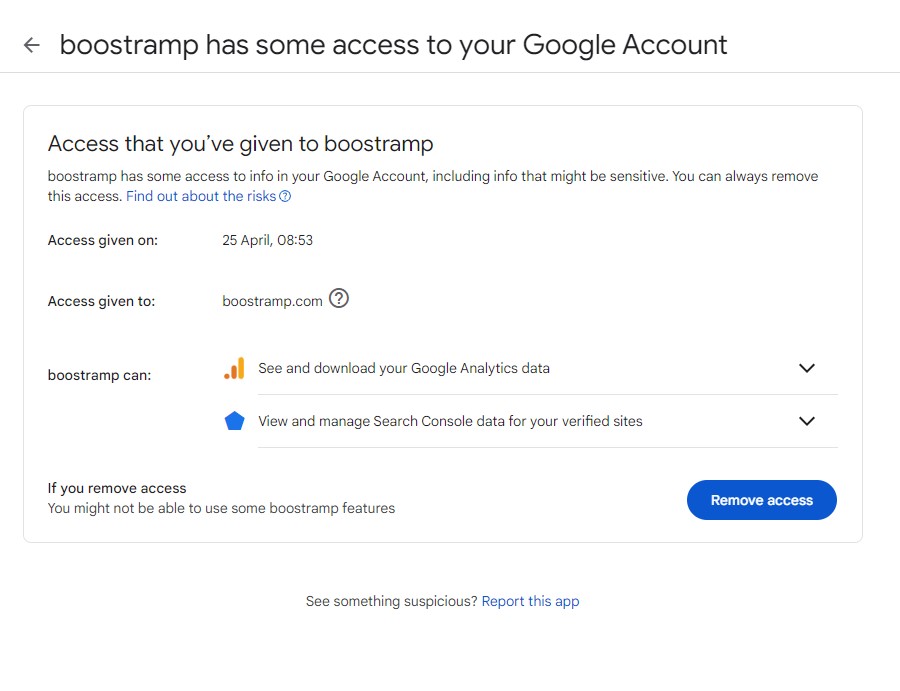
- Under the Third-party apps menu, choose Boostramp app
- Press "See details" button
- Press "Remove access"
- Go back to your Boostramp project settings and make a connection
Ready to put your SEO on autopilot?
Free audit in 4 minutes. Connect once, we'll deliver your first 20 actionable items by the time you finish your coffee.
+38%
avg organic traffic lift in 90 days
2,400+
websites on autopilot
4 min
to first audit - no credit card